
More features for your Geely EX2's head unit
EXPanda adds features to the Geely EX2 head unit and has a phone app that talks to it. The EXPanda account gives your devices access to the app and the updates.
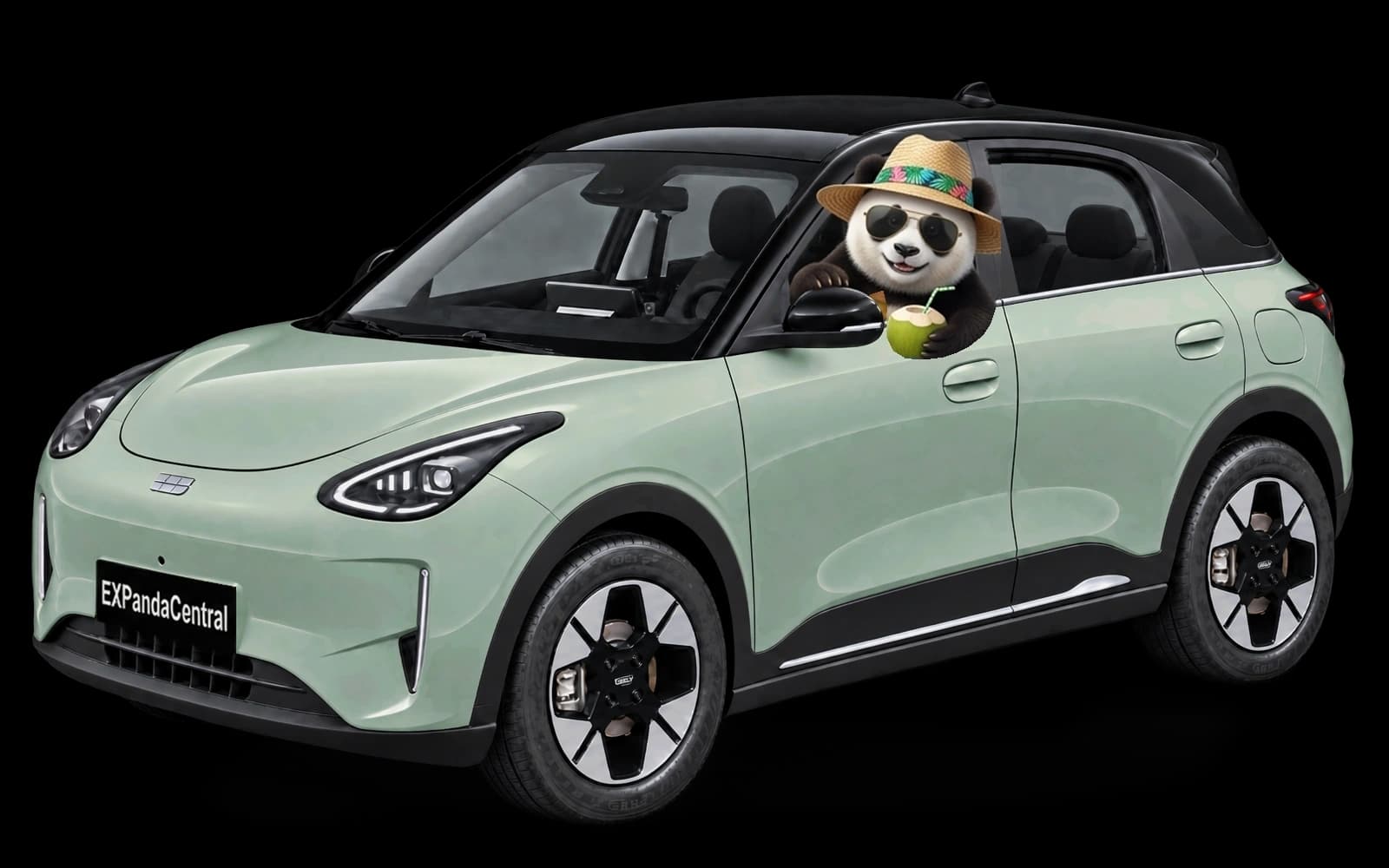
Verde Pistache
See the head unit before you install
This is the EXPanda Central screen, running right here in your browser. Change the temperature and fan, play music, switch Wi-Fi on and connect CarPlay or Android Auto. Picking another car in the suggested apps changes the site's color.
Browser demo: nothing is sent or saved to the car.
How to activate
You prepare a USB drive once; after that, the phone app does the rest, no computer needed.
Prepare the ADB activation USB drive
Copy the package folder to an ordinary USB drive. It is the only step that needs a computer.
See in the guideIn the car, turn on the connection
With the USB drive plugged in, open the head unit's hidden menu with the code (it changes every hour) and choose the USB drive update. This turns on the connection between the app and the car.
See in the guideThe app installs the head unit app
With the phone and the car on the same Wi-Fi, the EXPanda Celular app installs EXPanda Central in the car. Then link the car to your account.
See in the guide
This path is at your own risk: the dealership may notice the head unit was modified, and the head unit's warranty may be affected. Read the full notice in the guide.
Installation guideThe apps
Four apps, all tied to your EXPanda account.
EXPanda Central
The main interface on the Geely EX2 head unit: split screen, telemetry widgets, a customizable launcher and car controls.
See in the guideEXPanda Celular
The companion on your phone (Android and iPhone): live telemetry, trip history, charging costs and location.
Install the app on your phoneEiPanda
The car's offline voice assistant: controls media, air conditioning and navigation without taking your hands off the wheel.
See in the guideEXPanda Câmeras
The car's cameras: recording to a USB drive and the automatic reverse view.
See in the guide
Frequently asked questions
What do I need to get started?
A Geely EX2 sold in Brazil (the guide shows how to check the head unit version), an Android 7 or newer phone, or an iPhone, with the EXPanda Celular app and your EXPanda account, and an ordinary USB drive of up to 32 GB.
Do I need a computer?
Only once, to copy the folder to the USB drive. After that, the phone app installs the head unit app over Wi-Fi, no computer needed.
Does the USB drive erase anything?
No. It does one thing: it turns on the connection (ADB, port 5555) between the app and the car, and it does not replace the infotainment software. Even so, this path is at your own risk: read the guide's notice before you start.
What if I have no account?
Without the account, nothing from EXPanda turns on and the car keeps running only the factory original. The account is made with Google, with no new password.
Does it work with Android Auto and CarPlay?
The head unit has an option to turn on Android Auto and CarPlay over Wi-Fi, under Network & Auto, on the AA & CarPlay tab. The step-by-step is in the guide.
Is there an iPhone app?
Yes. EXPanda Celular exists for Android and for iPhone. On iPhone it is installed through SideStore or Sideloadly, and the phone guide explains each step.